GPT Image 2 Site Analysis: Architectural Current-Condition Analysis from a Single Photo
Site Analysis from a Single Street Photo
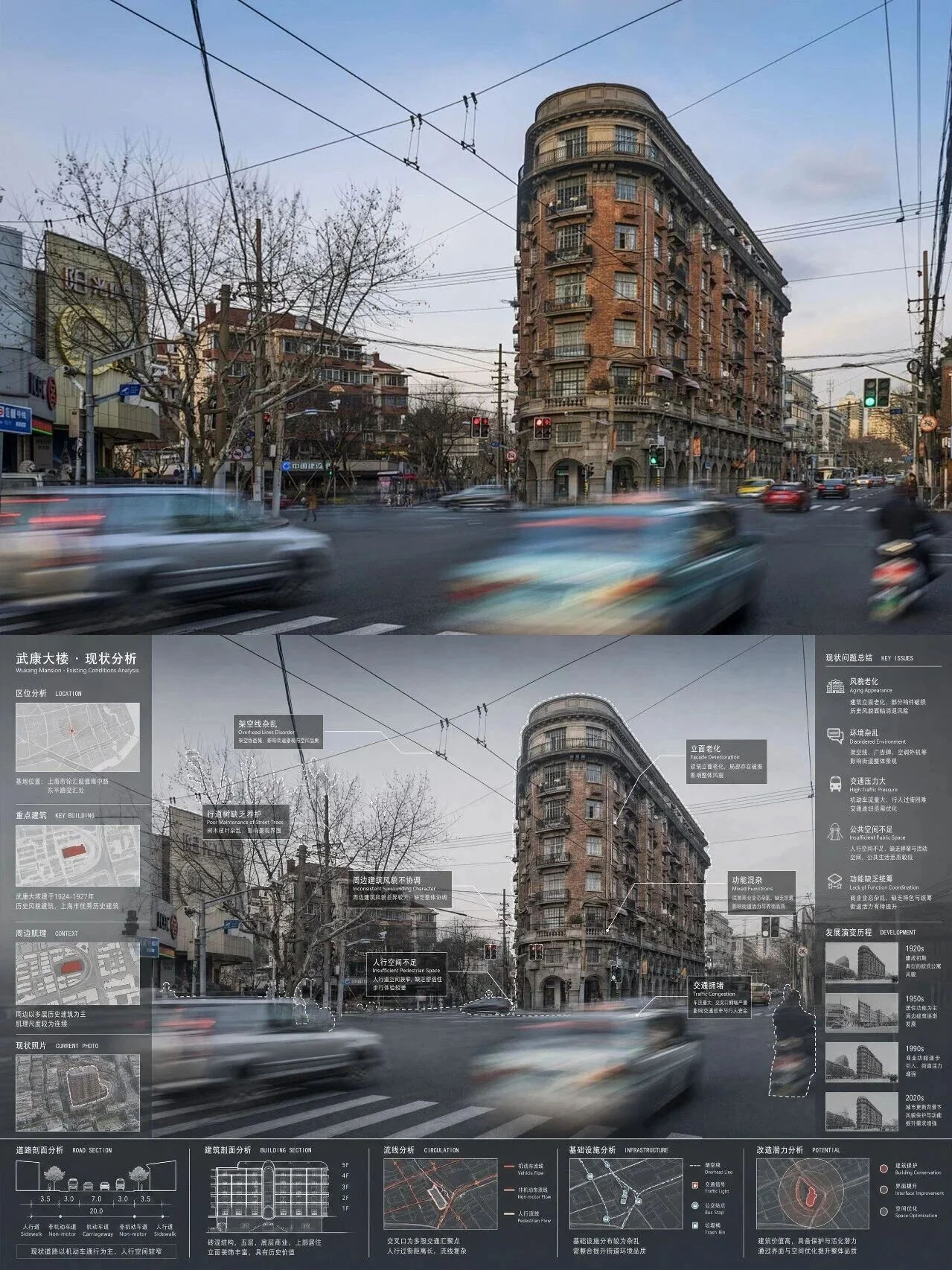
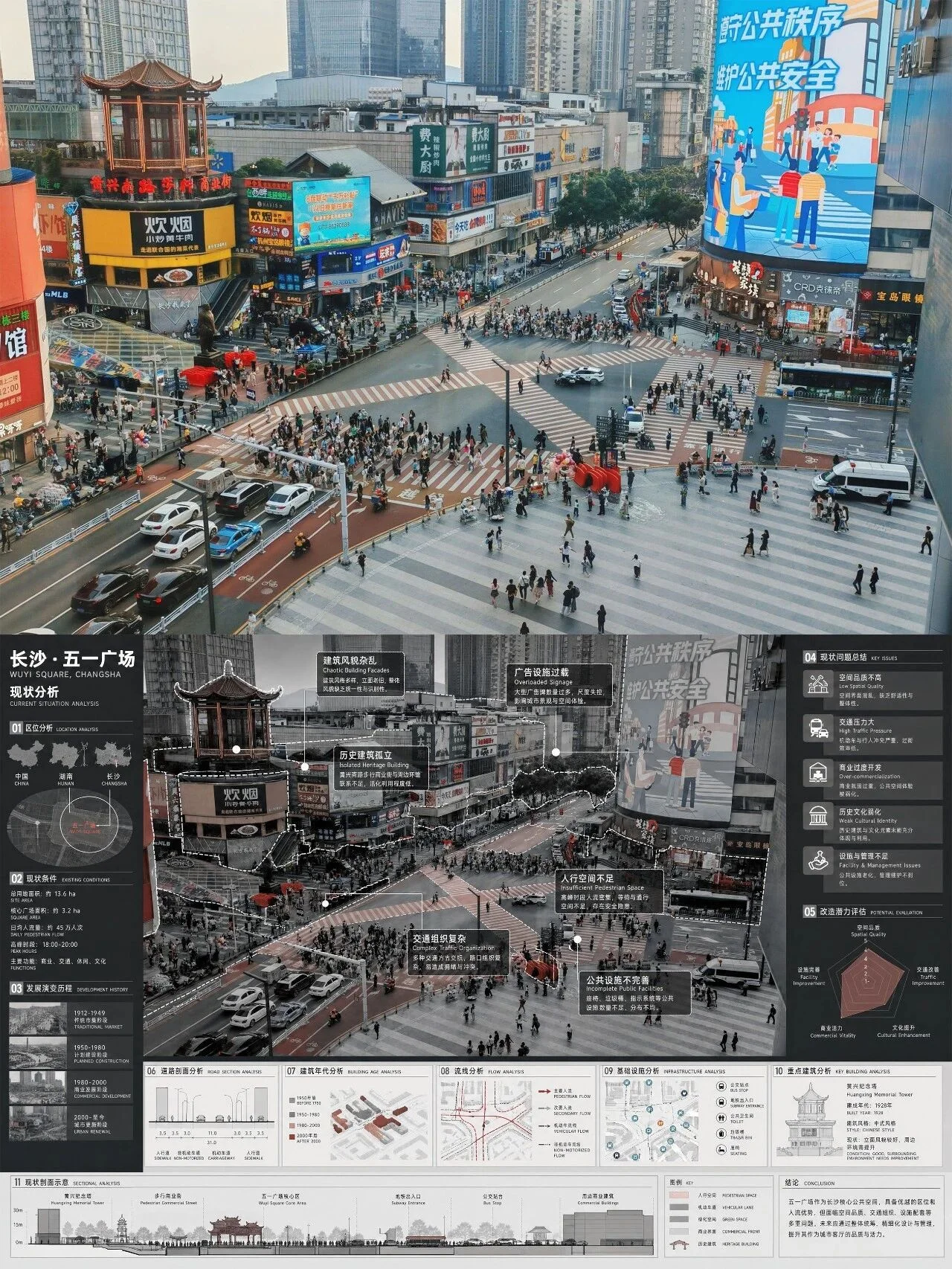
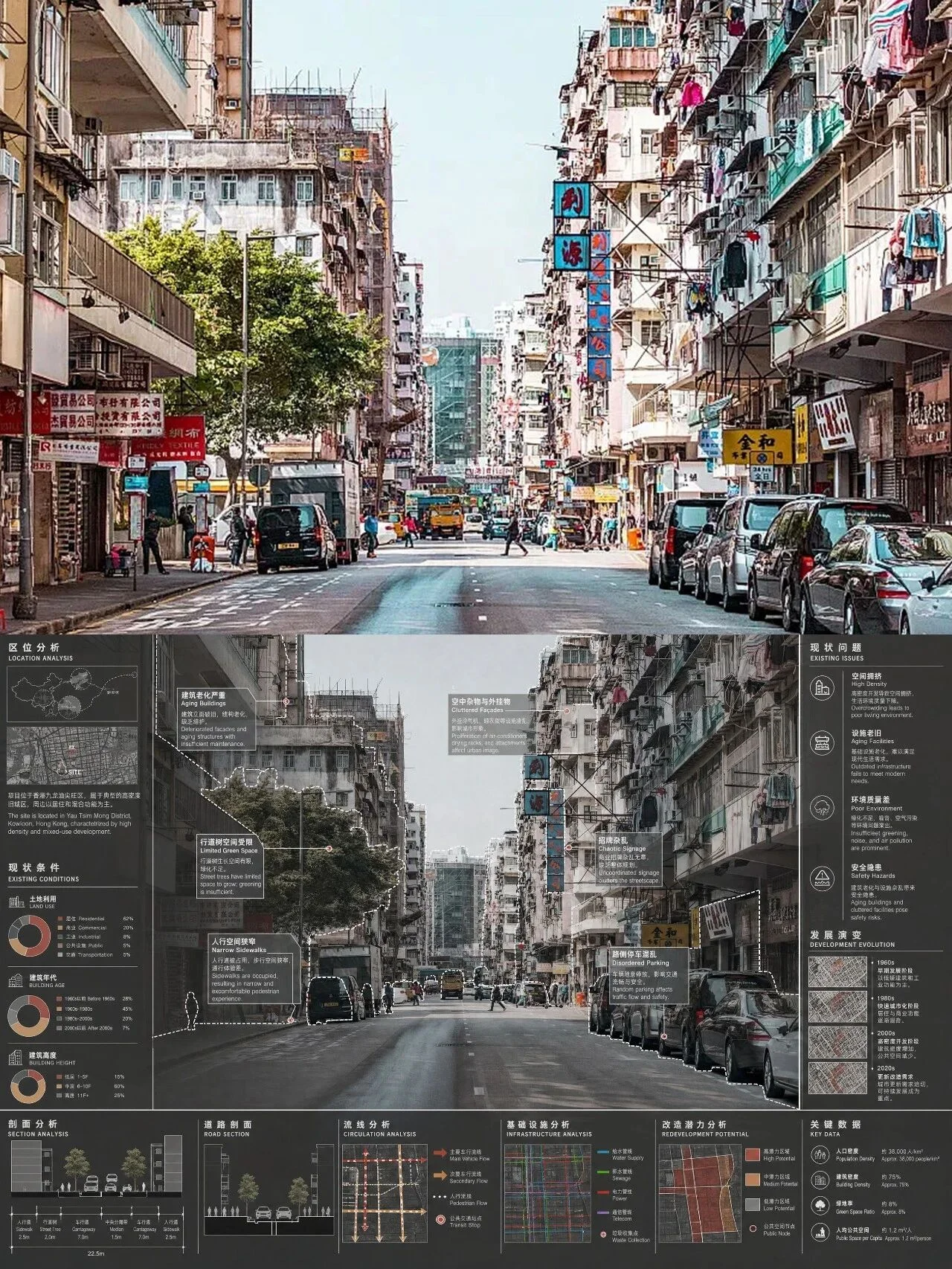
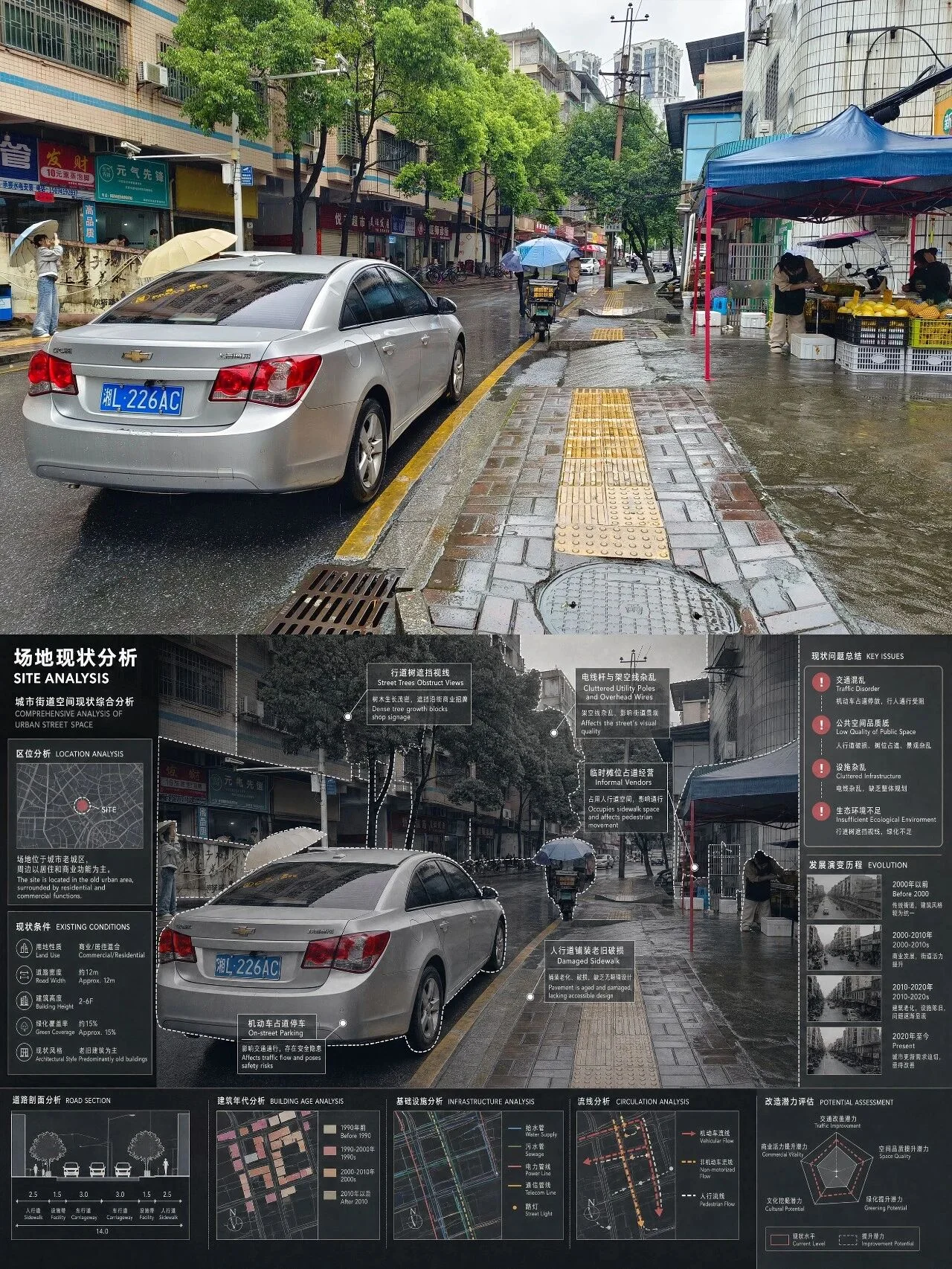
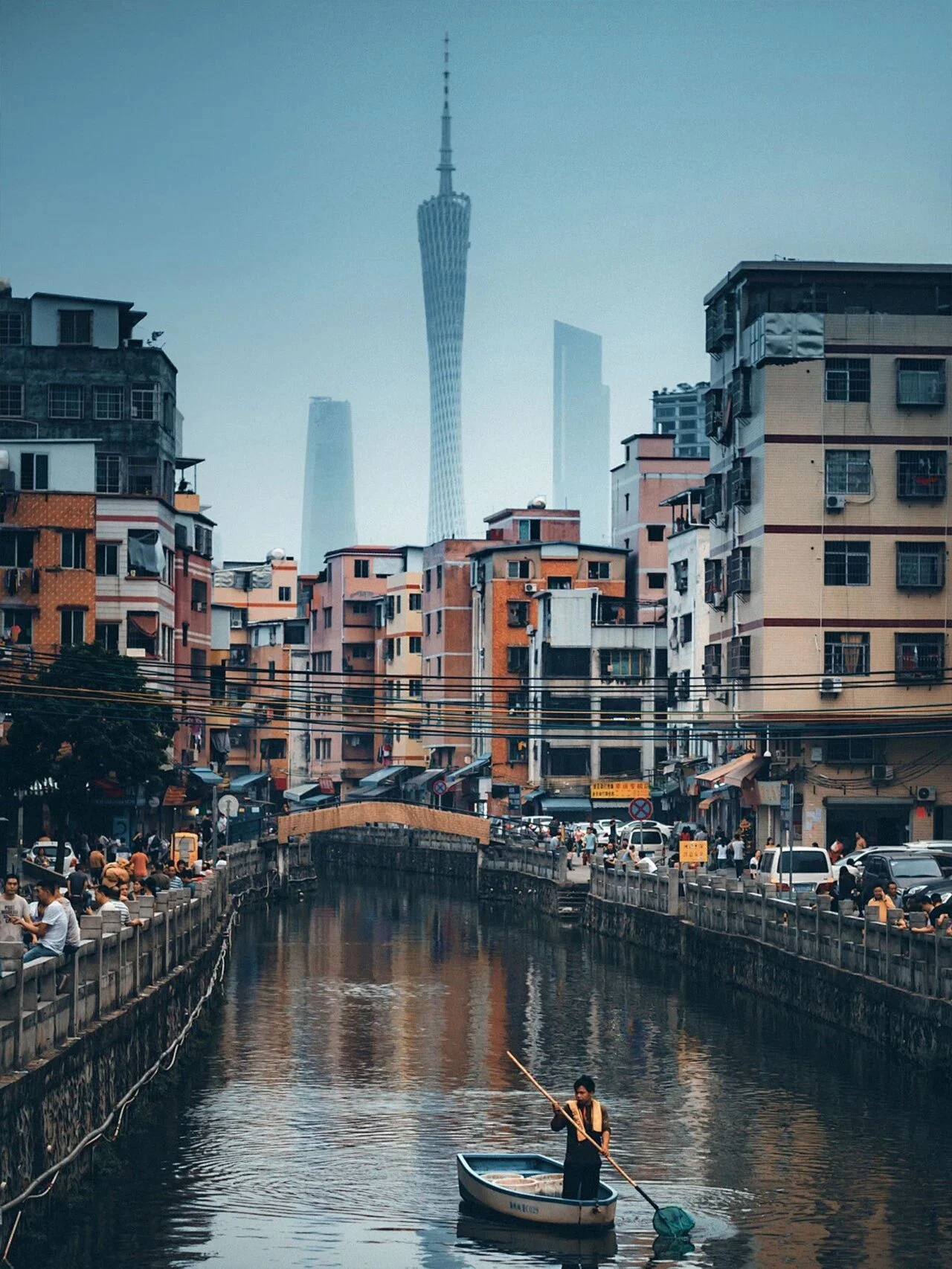
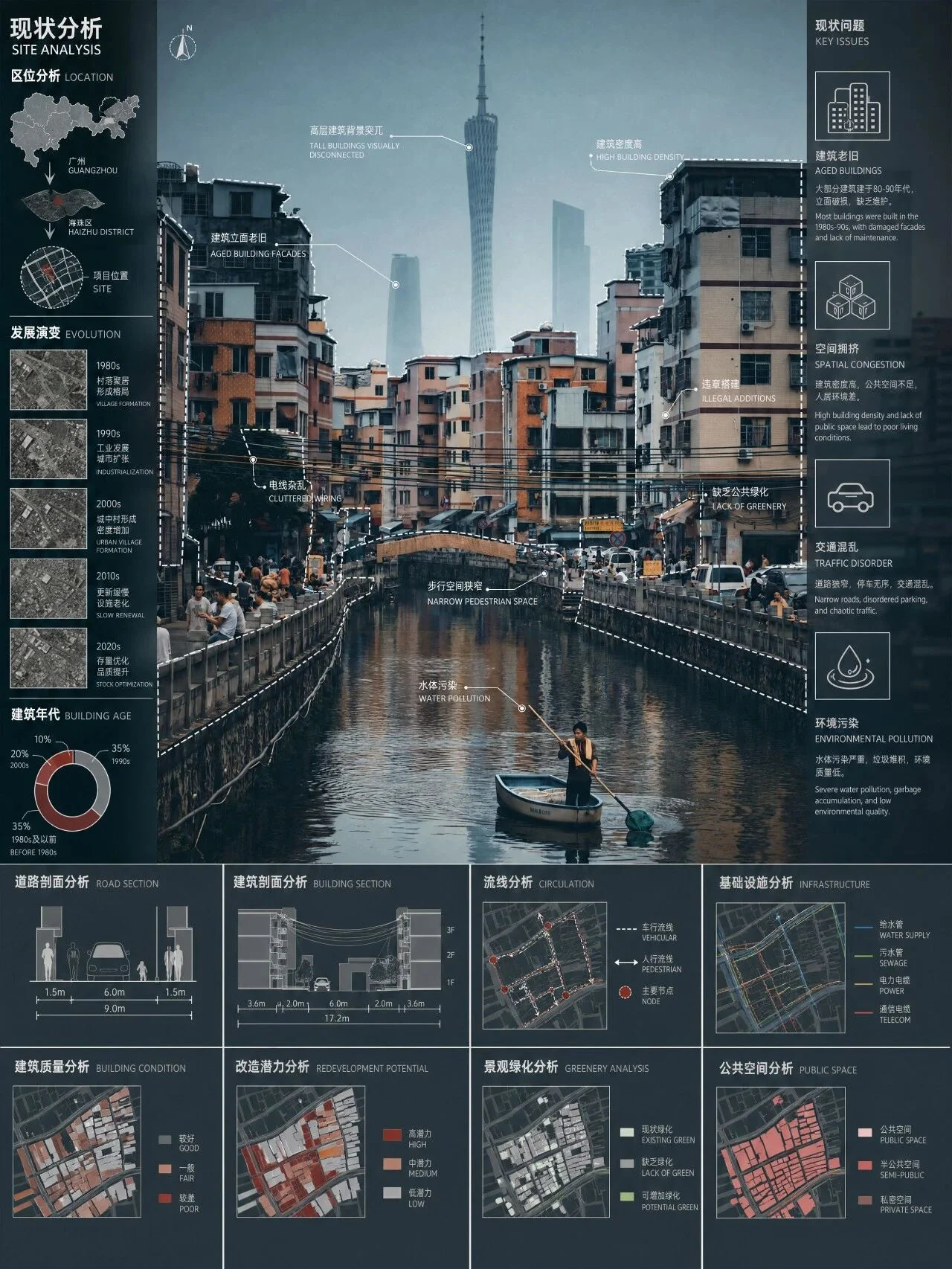
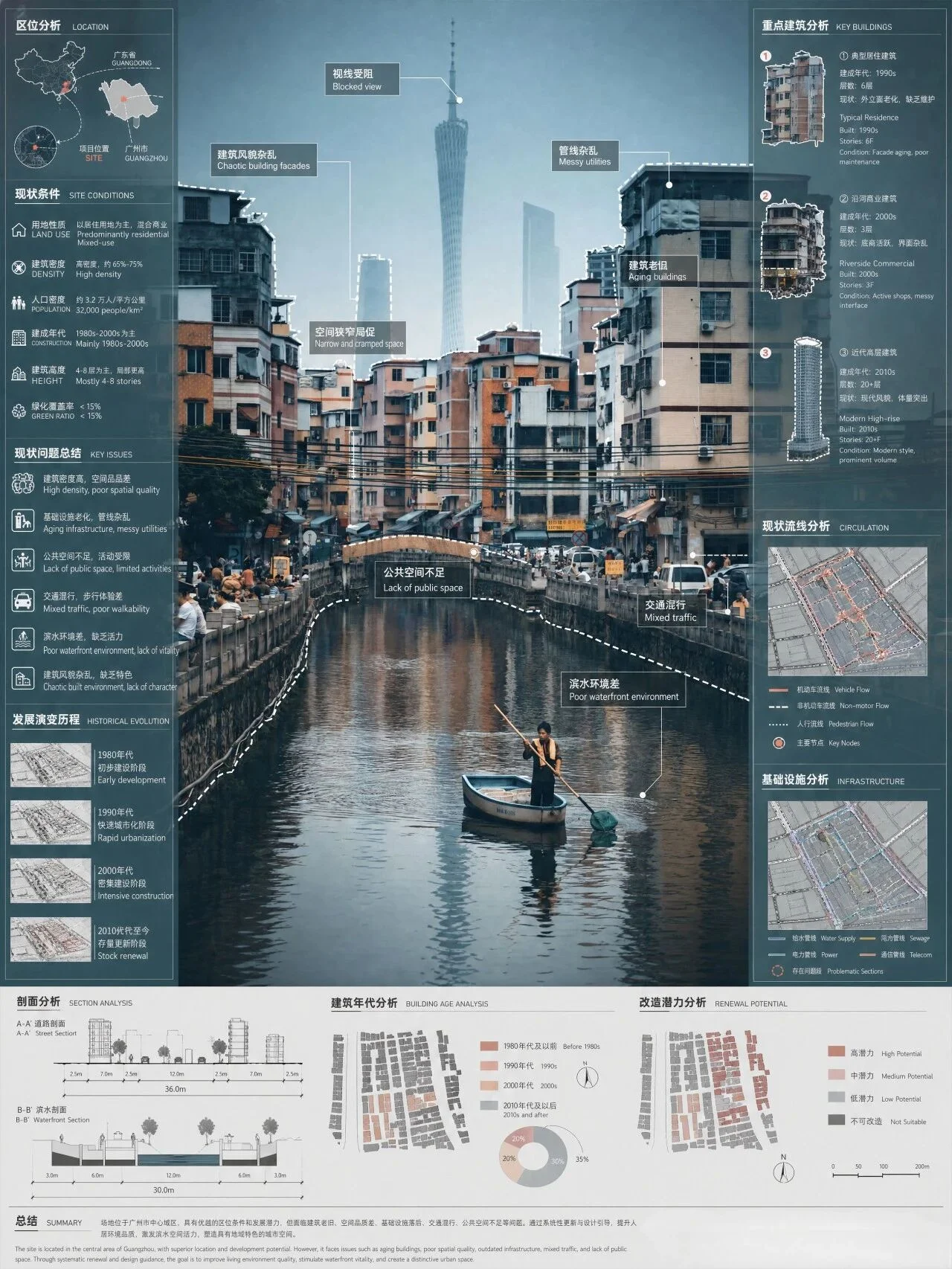
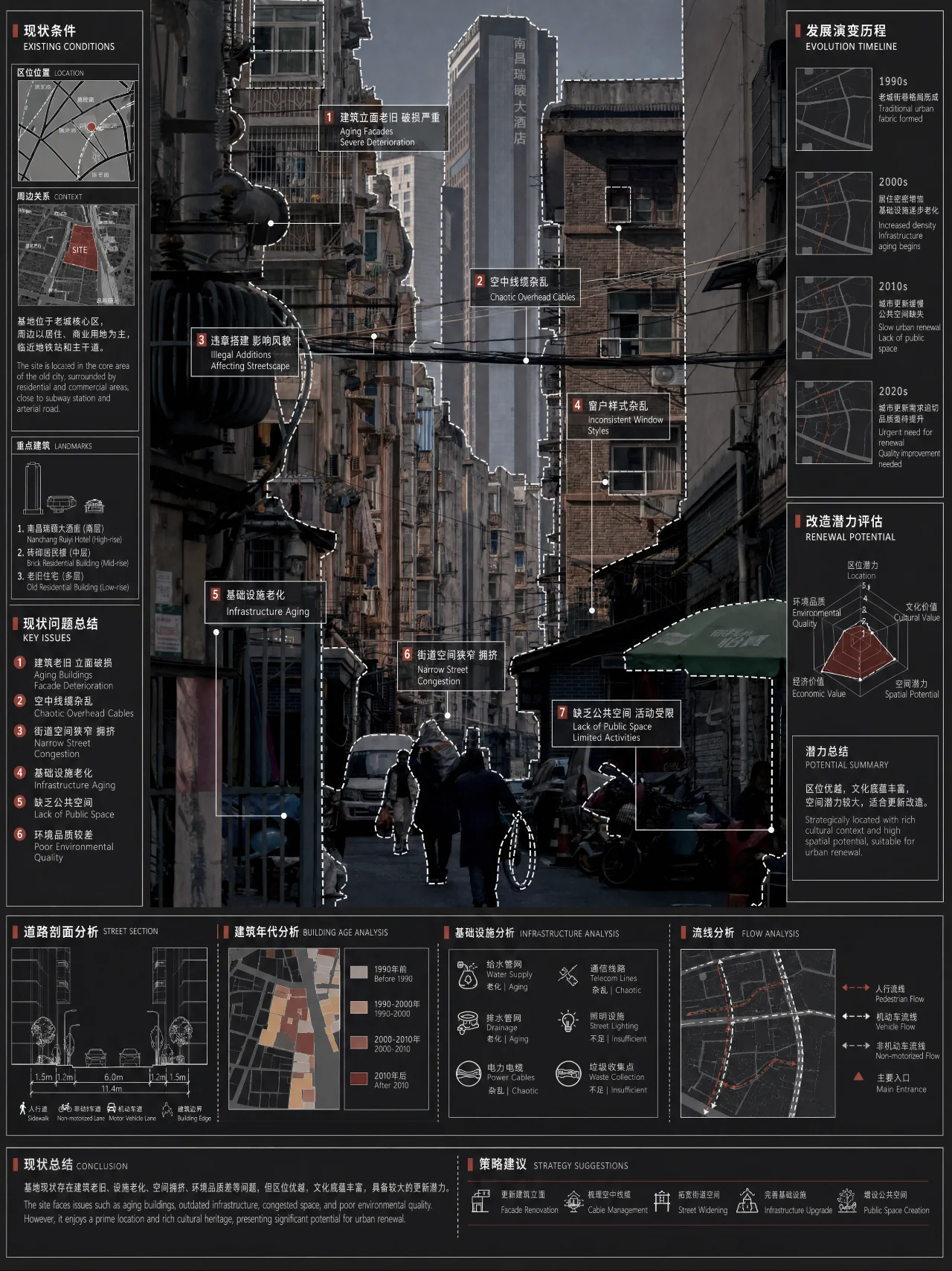
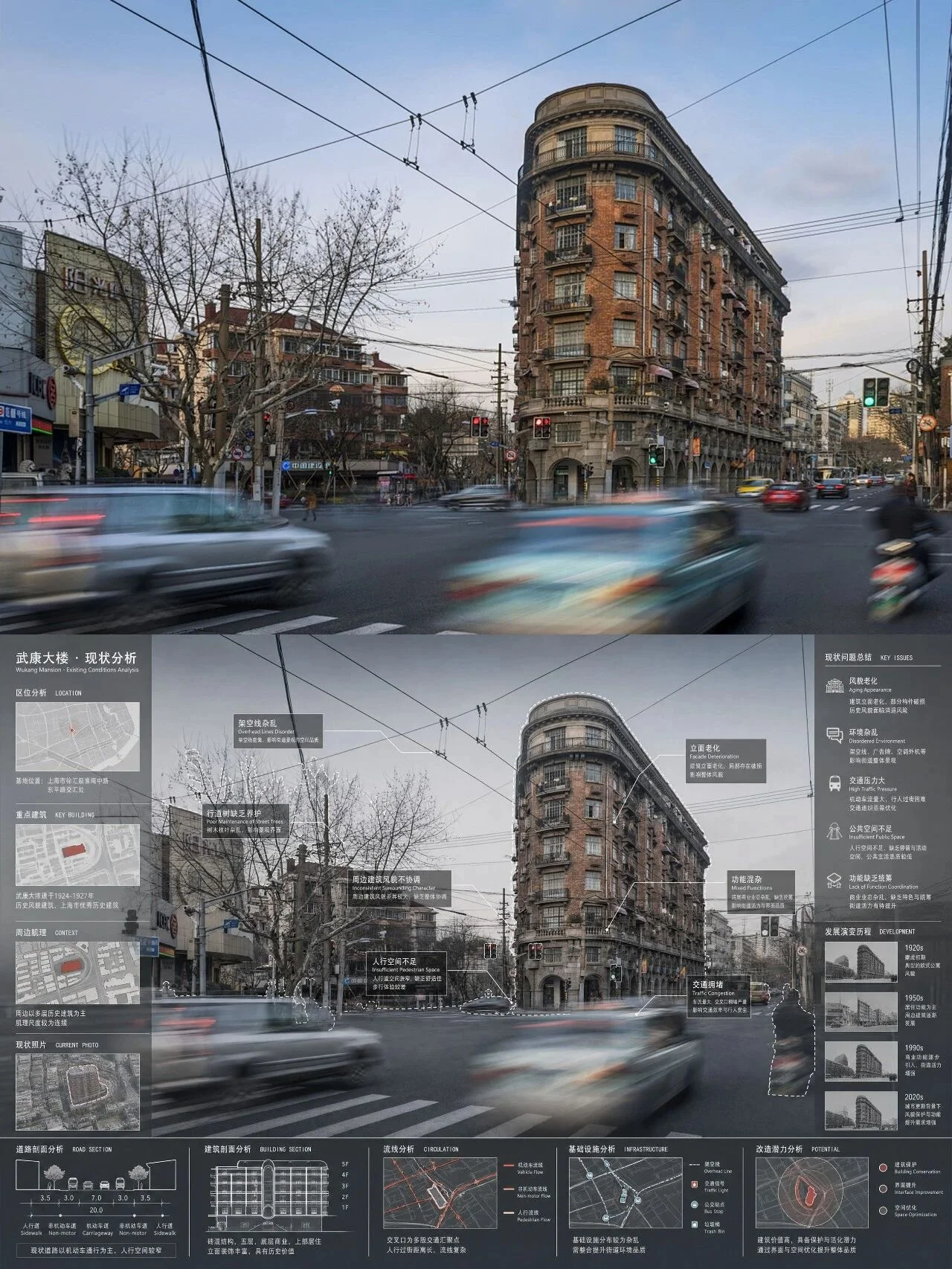
With just one street photograph, you can generate a logically structured current-condition site analysis diagram. The AI annotates issues directly on your photo, and adds analysis modules on both sides and at the bottom — including location maps, key buildings, problem annotations, development history, building cross-sections, road cross-sections, circulation analysis, infrastructure analysis, and more.
The precision and quality of these results speak for themselves!
The Prompt
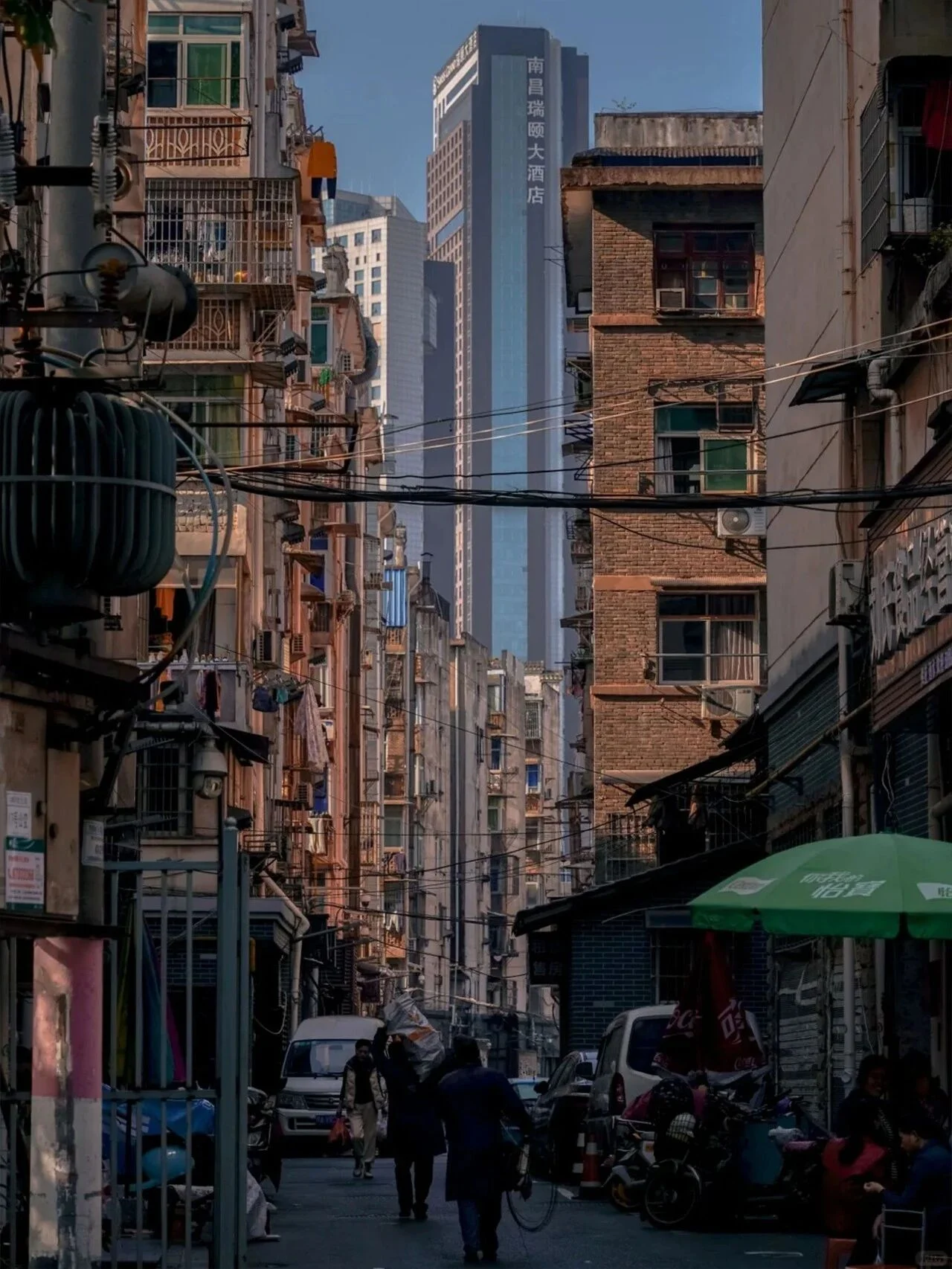
Architectural design current-condition analysis board, [Site located at Wuyi Square, Hunan city,] using real photographs as the base, overlaid with professional analytical diagrams. Use black-white-gray + low-saturation red professional drawing palette. Style: modern architecture firm standard presentation, clear orderly layout, distinct information hierarchy.

1. Main base layer: Real photograph as background, preserving spatial structure and perspective, softening background details, highlighting foreground analysis information.

2. Overlaid analysis elements:
   - White dashed lines outline and annotate key elements (buildings, landscape, facilities, vehicles, people), paired with gray-background white-text summary labels (bilingual Chinese-English), using clean sans-serif font.
   - Embedded small analysis diagram modules (location map, key buildings, current problem annotations, development evolution history, building cross-section, road cross-section, circulation analysis, infrastructure analysis, etc.), presented in concise analytical form. Module content adapts to scene type: streets → traffic/tree/facility analysis; buildings → facade/structure/function analysis; landscapes → vegetation/circulation/node analysis; interiors → space/lighting/circulation analysis.
   - White annotation lines connect annotation points to text descriptions, keeping lines clean and crisp, no unnecessary decoration.

3. Layout standards: Both sides and bottom set with "current conditions — problem annotations — development history" information bars, plus cross-section analysis, infrastructure analysis, building era analysis, renovation potential indicators and other auxiliary analysis modules.

4. Style details: Restrained professional color palette, no excessive color interference, clean line drawings, highly readable text. Complies with domestic and international architecture/landscape/urban design project presentation board standards. Can be used directly for coursework, competitions, project presentations.
Tip: Fill in the 【】 brackets with your location — if the photo doesn't contain location info, adding it will make the analysis much more precise and targeted.
Results Gallery